
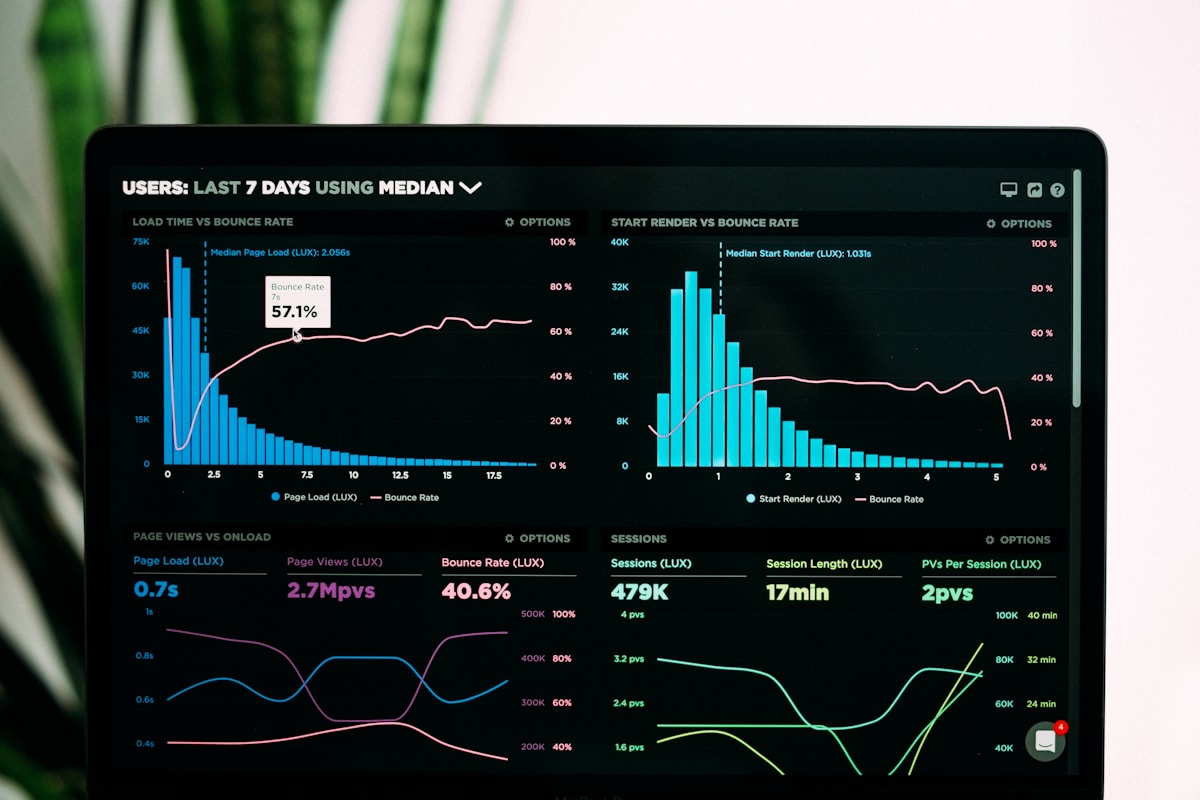
You open GA4 and the graph has fallen off a cliff. Maybe it happened overnight, maybe over a week. Either way, your stomach drops. Traffic drops are one of the most stressful things that happens in digital marketing — partly because the cause is not always obvious, and partly because the stakes are real.
Here is the good news: most traffic drops have a diagnosable cause and a fixable solution. The key is not to panic, and to work through the possibilities methodically. This guide covers the ten most common causes and exactly what to do about each one.
10 Common Causes of a Traffic Drop (and How to Fix Them)
1. Google Algorithm Update
Google rolls out hundreds of updates per year, including major core updates that can significantly shift rankings. If your traffic dropped around the time of a confirmed update, the algorithm is the likely culprit.
Fix: Check Google’s official update history and cross-reference with when your drop began. If the timing aligns, focus on improving E-E-A-T signals — content quality, authorship, topical authority, and overall site trustworthiness. Recovery from a core update usually takes until the next update to fully resolve.
2. Manual Penalty
Unlike algorithmic changes, manual penalties are applied by a human reviewer at Google. They are typically issued for unnatural links, thin content, or violations of Google’s spam policies.
Fix: Check the Manual Actions report in Google Search Console immediately. If a penalty exists, it will be listed there with a description. Address the underlying issue, submit a reconsideration request, and wait for Google to review.
3. Technical Issues: Crawl Errors, Robots.txt, Noindex
Sometimes traffic drops have nothing to do with content or links — your site simply became invisible to Google. A misconfigured robots.txt file, accidentally applied noindex tags, or a server issue blocking Googlebot can wipe out rankings overnight.
Fix: Go straight to GSC’s Coverage report. Check for a spike in crawl errors or excluded pages. Audit your robots.txt using Google’s robots.txt tester. Search for site:yourdomain.com and see if pages that should be indexed are missing.
4. Lost Backlinks
Backlinks remain one of Google’s most significant ranking signals. If a high-authority site removed a link to your content, or if a linking domain expired and went offline, your rankings for associated pages may have dropped.
Fix: Use Ahrefs, Semrush, or Google Search Console’s Links report to identify recently lost backlinks. Reach out to sites that removed links where appropriate, and prioritise building replacement links through guest posting, digital PR, or content outreach.
5. Seasonality
Not every traffic drop is a crisis. Many niches have predictable seasonal fluctuations — finance content dips in summer, retail spikes in November, travel content peaks in January. If your drop is gradual and corresponds to a time of year, it may simply be normal.
Fix: Compare your current traffic against the same period in previous years using GA4’s date comparison feature. If the pattern matches, the “drop” is expected. Plan content around seasonal peaks to smooth out the curve.
6. Core Web Vitals Degradation
Google uses page experience as a ranking factor. If a recent plugin update, theme change, or hosting issue caused your Core Web Vitals to deteriorate, your rankings may follow.
Fix: Check GSC’s Core Web Vitals report for any new issues. Run your key pages through PageSpeed Insights. Look for anything that changed recently — new plugins, image uploads, third-party scripts — and test after removing suspected culprits.
7. Competitor Gained Ground
Sometimes you haven’t done anything wrong — a competitor has simply improved. If they published a more comprehensive piece, earned better backlinks, or improved their page experience, they may have outranked you on your core keywords.
Fix: Run a competitive gap analysis in Semrush or Ahrefs. Look at what your top competitors changed in the past 60–90 days. Update your content to be more comprehensive, more current, and better structured than theirs.
8. Tracking Code Broken (GA4 Data Gap)
This one is painful because the traffic may not have dropped at all — you just stopped measuring it. A broken GA4 tag, a Consent Mode misconfiguration, or a cookie banner blocking analytics can cause a sudden apparent drop with no real-world cause.
Fix: Cross-reference GA4 data with Google Search Console clicks. If GSC shows consistent click volume but GA4 shows a drop, the issue is your tracking, not your traffic. Check your tag implementation via Google Tag Manager’s preview mode or the GA4 DebugView.
9. Google Discover Traffic Fluctuation
Discover traffic is volatile by nature. A single piece of content can generate thousands of visits in a short window, then disappear from the feed entirely. If your previous “high” was Discover-driven, the return to baseline may look like a drop but is actually just the end of a Discover spike.
Fix: Check the Discover tab in GSC to see if a previous spike has ended. If so, this is expected behaviour. The solution is to consistently publish content optimised for Discover to generate regular spikes rather than relying on a single hit.
10. AI-Powered Search Reducing Clicks
AI Overviews in Google Search, and the rise of AI-powered alternatives like Perplexity and ChatGPT, are changing the click equation. Users who once clicked through to your site are now getting answers directly in the search results page.
Fix: This is a structural shift, not a fixable bug. The response is to diversify traffic sources — build your email list, focus on referral traffic, invest in brand search, and create content types (tools, calculators, original data) that AI summaries cannot fully replace. You can also explore how to optimise your site for AI search to remain visible in the new landscape.
How to Diagnose a Traffic Drop Using GSC and GA4
When a drop hits, follow this diagnostic sequence:
- GSC Performance report — filter by date and identify whether clicks, impressions, or both dropped. A drop in impressions suggests a ranking issue. A drop in CTR with stable impressions suggests a title or meta issue.
- GSC Coverage report — check for a sudden increase in excluded or errored pages.
- GSC Manual Actions — rule out penalties immediately.
- GA4 channel breakdown — identify which traffic source dropped. Organic, direct, referral, and Discover will each point to different causes.
- GA4 landing page report — which specific pages lost traffic? Is it site-wide or isolated to a handful of URLs?
- Timeline cross-reference — map the drop date against algorithm updates, site changes, and any technical deployments.
For a more detailed walkthrough of interpreting your analytics data, the Website Traffic Analysis: How to Read Your GA4 Data guide covers the full process.
Stay Calm and Audit Systematically
Traffic drops feel personal. They are not. They are diagnostic puzzles, and most of them have solutions once you identify the right cause. The worst thing you can do is make sweeping changes to your site before you understand what actually happened — you risk compounding the problem.
Work through the checklist. Check GSC first. Cross-reference with GA4. Rule out technical issues before assuming content or authority problems. And remember: if you are working on building real website traffic through legitimate channels, a temporary drop does not erase that foundation. The fundamentals are still there — you just need to identify what shifted and correct it.
Diagnose, fix, monitor. That is the process. Every site that has been online long enough has been through it. The ones that recover fastest are the ones that audit calmly and act on data.